

Building a personalized AI-powered training plan for a marathon or ultramarathon no longer requires an expensive monthly subscription. In fact, you can do it completely free using ChatGPT—if you know how to guide it correctly.
Popular apps like Runner or URun charge up to €20 per month for access to AI training plans, yet they rarely ask you the detailed, personalized questions needed to truly tailor your program.
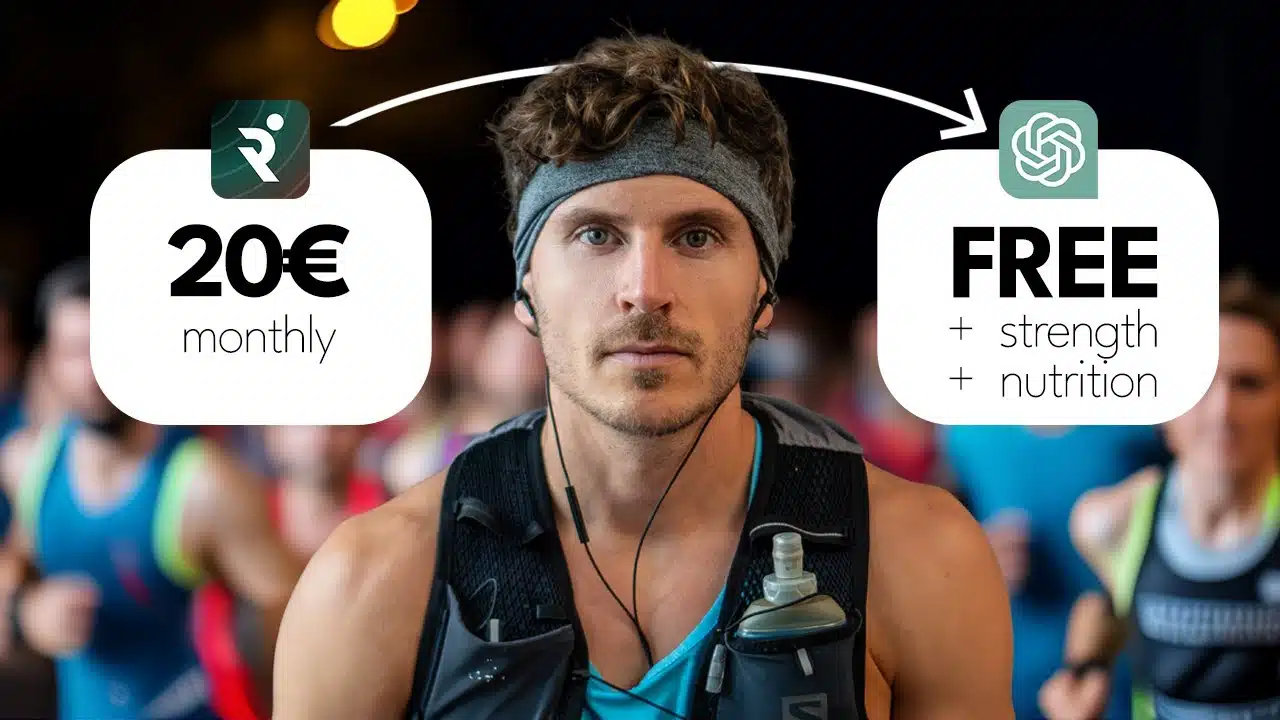
In this step-by-step guide, you’ll learn exactly how to use ChatGPT as your own running coach, strength trainer, and nutrition advisor—all synced together in one smart workflow.
You’ll go from a blank screen to a structured four-phase race plan with strength, mobility, and personalized eating guidance—all exportable into a spreadsheet and PDF for clear visibility.
Here’s how to build a pro-level running plan, with zero cost and crystal-clear structure.
Jump to:
- Step 1: Collect your running history and data
- Step 2: Start a new project in ChatGPT
- Step 3: First prompt — Introduce yourself to your AI coach
- Step 4: Submit your running screenshots and confirm comprehension
- Step 5: Ask for clarifying questions before the training plan begins
- Step 6: Break the baseline plan into four training phases
- Step 7: Add strength and mobility elements
- Step 8: Export your training plan to a spreadsheet
- Step 9: Create a full 16×9 visual training calendar PDF
- Step 10: Build your personalized nutrition blueprint
- The takeaway: Customized coaching without the cost
Step 1: Collect your running history and data
Before you even open ChatGPT, gather the key metrics from your training history. This includes:
- Training load trends over the past year
- Weekly mileage averages
- Any recent injuries or setbacks
- Average sleep duration
You can find this data in apps like Suunto, Garmin, Apple Watch, or Coros. Each one provides similar insights. If available, screenshot your data and airdrop it to your desktop. If not, write it out manually—it’s still valuable.
Step 2: Start a new project in ChatGPT
Open a fresh chat and give your project a clear name like “Ultra Morocco 2025.” You want to keep all components—running, strength, and nutrition—inside the same thread. This ensures ChatGPT remembers everything and integrates all elements together. Multiple chats dilute context, and AI can’t cross-reference between conversations.
Step 3: First prompt — Introduce yourself to your AI coach
This starting prompt should include all the contextual detail ChatGPT needs to act intelligently as your coach. Here’s a structured format:
- Base Info: Age, weight, height, body fat percentage (if known)
- Sports Background: Athletic history, years of experience, other sports
- Personal Bests: 5K, 10K, half marathon, marathon—whatever is most recent
- Running History: When you began, key races, race times
- Injuries: Past and current injuries, any limitations now
- Lifestyle: Work hours, sleep habits, gym access, run club days
Close the prompt by asking ChatGPT if it understands and is ready to coach. It should respond with enthusiasm and follow-up questions.
Step 4: Submit your running screenshots and confirm comprehension
Drag and drop your screenshots into the chat. Share any extra data you feel might help.
Then say: “Before we get into it, I wanted to share some more data. Screenshots of my past training from my [insert app name]. Can you confirm you understand this data, or do you need clarification?”
Step 5: Ask for clarifying questions before the training plan begins
Before ChatGPT creates your plan, ask it to grill you. Use this prompt:
“Before we start building my plans, please ask me 10 questions that will help you perform your mission to the best of your abilities.”
You’ll likely get questions in five categories:
- Race-specific goals and terrain
- Current or past injuries (especially active ones)
- Training preferences and availability
- Nutrition habits
- Lifestyle and upcoming life events
Answer all thoroughly. Once done, close with: “Please create a baseline training plan based on all my answers.”
Step 6: Break the baseline plan into four training phases
Next, organize your training around classical periodization: initial build-up, progressive overload, tapering, and post-race recovery.
Use this exact prompt:
“Great, thanks for the baseline running plan. Now please organize this running plan into four clear phases…”
- Initial Phase: Build aerobic base and reduce injury risk
- Progression Phase: Add intervals, hills, tempos, longer long runs
- Taper Phase: Reduce load and stay sharp
- Recovery Phase: Gentle mobility + return to regular running
Ask ChatGPT to outline:
- Key sessions for each phase
- Weekly mileage evolution
- Purpose behind the programming
Step 7: Add strength and mobility elements
Sprinkle in strength training without interfering with key runs. Use your actual schedule to guide placement. Here’s a good prompt to follow:
“Now please integrate strength and mobility sessions on top of the running schedule…”
- Strength: 2–4 times/week (push, pull, legs, plyos as needed), avoid day before long/intense runs
- Mobility: 2–6 times/week, focus areas: hamstrings, hips, ankles
- Sessions: 30–60 minutes for strength, 10–20 minutes mobility
Make sure ChatGPT explains why sessions are placed where they are within your week.
Step 8: Export your training plan to a spreadsheet
ChatGPT can format your entire training block into a CSV for Google Sheets. Use this prompt:
“Great, now please create a CSV file that I can import into Google spreadsheets to visualize all of this.”
After downloading the file, import it into Google Sheets. Adjust formatting—colors, filters, notes—until it’s easy to view and manage.
Step 9: Create a full 16×9 visual training calendar PDF
This step helps you have a high-level monthly overview. Request a document visualizer with:
“Now please visualize this in a 16×9 document so I can see all my sessions leading up to the race.”
Use it to print, pin to a wall, or share with friends or coaches.
Step 10: Build your personalized nutrition blueprint
Don’t create your nutrition plan before your workouts. The physical effort defines your fuel needs.
Once your plan’s ready, prompt ChatGPT with:
“Now before you create my nutrition plan, I want you to ask me 10 questions about my eating habits and preferences to perform your job as a nutritionist to the best of your abilities.”
- Meal times and preferences
- Food intolerances
- Cultural or ethical diets
- Hydration reminder strategy
- Supplement use
- Race-day fueling and gut tolerance
Answer clearly and completely, then let ChatGPT create a full daily and race-fueling plan aligned with your training.
The takeaway: Customized coaching without the cost
Using ChatGPT this way gives you a powerful, personalized alternative to expensive coaching apps—while integrating running, strength, mobility, and nutrition like a real human coach would.
By loading full context, framing prompts correctly, and following through every phase of the plan, you can use AI to truly elevate your training for free.
So grab your screenshots, open a chat, and build your plan—your next race just got smarter.